
 Support
Cisco IOS CLI Modes, Command Hierarchy & Verification Cheat Sheet for CCNA (200-301)
BrainyTools Editor
Tech Contributor at BrainyTools
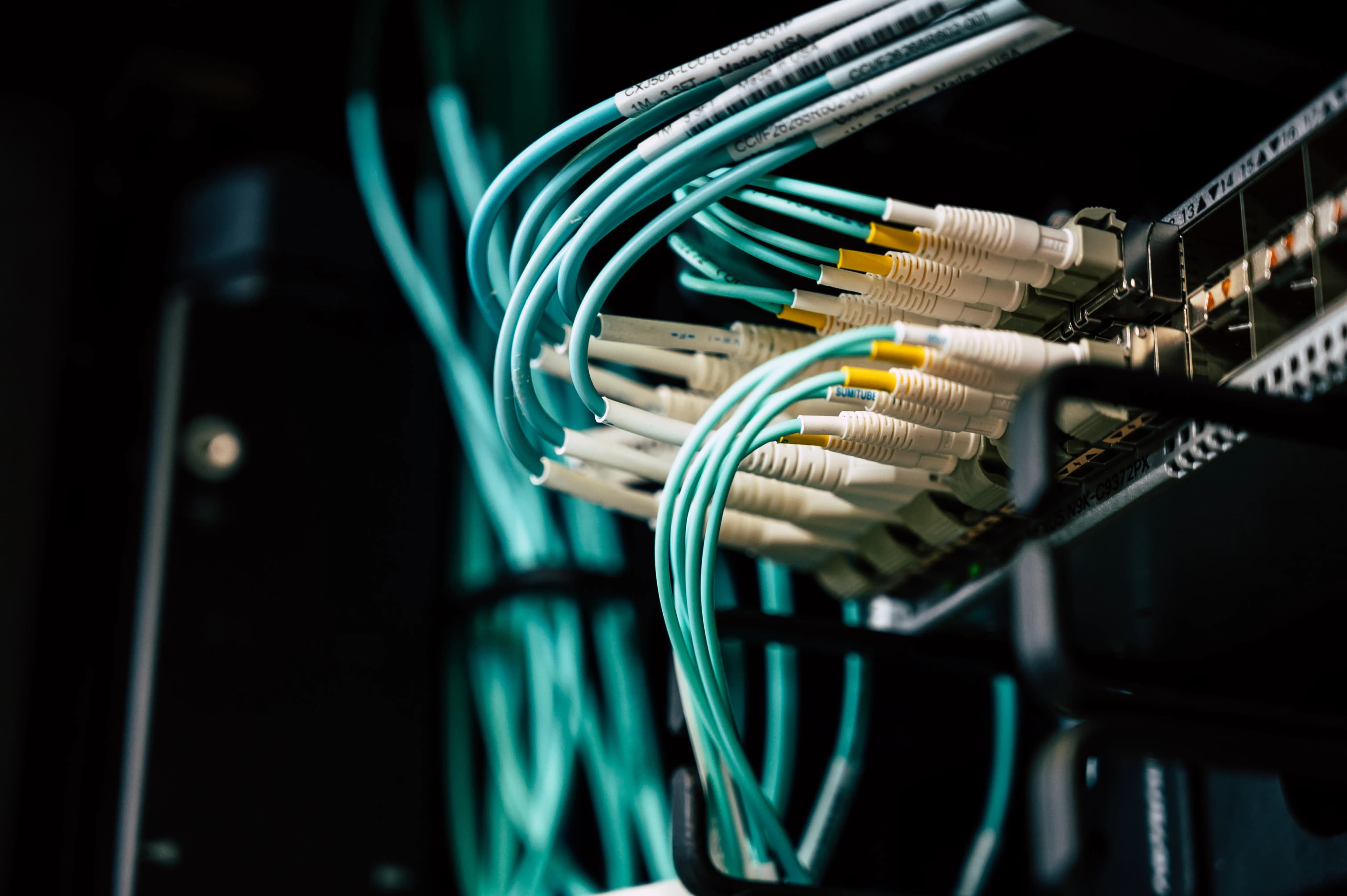
Why does a freshly added Cisco router port stay down even after you assign an IPv4 address and plug in a cable? And why do some commands fail with % Invalid input detected unless you are in the right prompt mode? Here is your practical Cisco IOS CLI reference.
Cisco Internetwork Operating System (Cisco IOS) uses a strict, hierarchical Command-Line Interface (CLI). Every command is scoped to a specific CLI Mode: monitoring commands run in EXEC modes, device-wide settings run in Global Configuration mode, and port-level settings run in Interface Configuration mode.
Understanding how to navigate between modes, use context-sensitive ? help, abbreviate commands safely, and interpret show ip interface brief output is essential for passing the Cisco CCNA (200-301) simulation labs.
You can practice every command in this guide right now in your browser using the Web Packet Tracer & Network Simulator—no installation or login required.
1. The Cisco IOS CLI Mode Hierarchy
When you open a console session to a Cisco router (R1) or switch (SW1), the command prompt symbol tells you exactly which mode you are in:
  [ User EXEC Mode ]              Prompt:  R1>
         │
         │  enable (en)           ◄── (disable / exit returns to R1>)
         ▼
  [ Privileged EXEC Mode ]        Prompt:  R1#
         │
         │  configure terminal    ◄── (exit / end / Ctrl+Z returns to R1#)
         ▼  (conf t)
  [ Global Configuration Mode ]   Prompt:  R1(config)#
         │
         │  interface Gi0/0       ◄── (exit returns to R1(config)#;
         ▼  (int gi0/0)                end / Ctrl+Z jumps straight to R1#)
  [ Interface Config Mode ]       Prompt:  R1(config-if)#
| CLI Mode | Prompt Format | Purpose & Capabilities | How to Enter | How to Exit |
|---|---|---|---|---|
| User EXEC | Router> or Switch> |
Limited read-only view; cannot view running-config or change settings. |
Default initial console mode. | exit |
| Privileged EXEC | Router# or Switch# |
Full diagnostic access (show running-config, show ip route, ping, clear). |
enable (en) from User EXEC. |
disable or exit (returns to >) |
| Global Configuration | Router(config)# |
Modify device-wide parameters (hostname, ip route, no ip route). |
configure terminal (conf t) from #. |
exit or end / Ctrl+Z (returns to #) |
| Interface Configuration | Router(config-if)# |
Configure a specific physical or virtual interface (ip address, description, shutdown, no shutdown). |
interface <name> (e.g., int gi0/0 or int fa0/1) from (config)#. |
exit (up one level to (config)#) or end / Ctrl+Z (jumps directly to #) |
2. Context-Sensitive Help (?), Tab Completion & Prefix Abbreviations
Cisco IOS includes built-in terminal productivity shortcuts that work identically in our Web Packet Tracer CLI engine:
1. Context-Sensitive Help (?)
- List all commands available in the current mode: Type
?at the prompt. - List subcommands or arguments after a keyword (with a space): Type
show ip ?to seeinterfaceandroute. - List commands starting with a partial prefix (no space): Type
sh?orcon?to see matching keywords.
2. Tab Auto-Completion & Unique Prefix Matching
Cisco IOS parses commands using case-insensitive unique prefix matching. As long as the characters you type uniquely identify a single keyword at that level of the command tree, IOS accepts the abbreviation or expands it when you press Tab:
| Full Cisco IOS Command | Common CCNA Short Abbreviation | Mode Required |
|---|---|---|
enable |
en |
R1> |
configure terminal |
conf t |
R1# |
interface GigabitEthernet0/0 |
int gi0/0 |
R1(config)# |
ip address 192.168.1.1 255.255.255.0 |
ip add 192.168.1.1 255.255.255.0 |
R1(config-if)# |
no shutdown |
no shut |
R1(config-if)# |
show ip interface brief |
sh ip int br |
R1# or SW1# |
show ip route |
sh ip ro |
R1# |
show mac address-table |
sh mac add |
SW1# |
show running-config |
sh run |
R1# or SW1# |
3. Understanding CLI Error Messages
% Ambiguous command: "..."— The prefix you typed matches more than one keyword at that level. Type a partial word followed by?to see the possibilities.% Invalid input detected.— A keyword is misspelled, or you ran a command in the wrong CLI mode (for example, typingshow ip routewhile still insideR1(config)#instead of exiting toR1#first).% Incomplete command.— The command requires additional parameters (such asip addresswithout an IP and subnet mask, orip routewithout a network, mask, and next-hop).
3. Critical Difference: Router Ports vs. Switch Ports Default State
One of the most common pitfalls in CCNA labs is forgetting the default administrative state of interfaces:
- Cisco Layer-2 Switch ports (
Fa0/1throughFa0/8): Default tono shutdown(adminUp = true). As soon as you connect a cable to an active peer device, the port transitions toup / up. - Cisco Layer-3 Router ports (
Gi0/0throughGi0/2): Default toshutdown(administratively down). Even after you cable a router interface and assignip address 192.168.1.1 255.255.255.0, the interface remains completely disabled until you explicitly issueno shutdowninsideR1(config-if)#!
4. Decoding show ip interface brief: Status vs. Protocol
When troubleshooting connectivity, show ip interface brief (sh ip int br) is the #1 first command network engineers run:
R1# show ip interface brief
Interface              IP-Address      OK? Method Status                Protocol
GigabitEthernet0/0     192.168.1.1     YES manual up                    up
GigabitEthernet0/1     10.0.0.1        YES manual up                    up
GigabitEthernet0/2     unassigned      YES unset  administratively down down
Every CCNA candidate must know what the four combinations of Status (Layer 1 / Admin) and Protocol (Layer 2 Line Protocol) mean:
| Status Column | Protocol Column | Meaning & Root Cause | How to Fix It |
|---|---|---|---|
administratively down |
down |
A human administrator (or router default) has disabled the port with the shutdown command. |
Enter interface <name> and run no shutdown. |
up |
down (or down / down on physical hardware) |
The local port is administratively enabled (no shutdown), but no cable is connected, or the peer interface on the other end of the cable is shutdown / powered off (or has a L2 framing/keepalive mismatch). |
Connect a cable between the ports, and verify the peer device's port is also no shutdown. |
up |
up |
Both Layer 1 physical signaling and Layer 2 line protocol are operational on both ends of the link. | Operational—ready to forward frames/packets! |
5. Hands-On Lab: Configuring a Router Interface from Scratch
Test this workflow in the Web Packet Tracer & Network Simulator:
- Open Web Packet Tracer and click Load Sample Topology.
- Click + PC to add
PC3and connectPC3 (eth0)toR1 (Gi0/2)using the Quick Port Cabling bar (R1Gi0/2$\leftrightarrow$PC3eth0). - Open the
R1console tab and runshow ip interface brief. NoticeGigabitEthernet0/2showsunassignedandadministratively down / down. - Configure
Gi0/2with172.16.1.1/24(verify your mask with the IPv4 Subnet Calculator):R1> enable R1# configure terminal R1(config)# hostname EdgeRouter EdgeRouter(config)# interface Gi0/2 EdgeRouter(config-if)# description Engineering LAN Gateway EdgeRouter(config-if)# ip address 172.16.1.1 255.255.255.0 EdgeRouter(config-if)# no shutdown %LINK-3-UPDOWN: Interface GigabitEthernet0/2, changed state to up EdgeRouter(config-if)# end EdgeRouter# show ip interface brief EdgeRouter# show running-config - Select the
PC3tab, configure IPv4172.16.1.10, Subnet Mask255.255.255.0, and Default Gateway172.16.1.1, and runping 10.0.0.10to pingPC2across the router!
6. Legitimate Sources & Standards References
- Cisco IOS Configuration Fundamentals Command Reference: CLI command modes, context-sensitive help (
?), command abbreviation rules, andshow running-config. - Cisco IOS IP Addressing Services Command Reference:
ip address,shutdown,no shutdown, andshow ip interface briefstatus codes. - Cisco CCNA 200-301 Exam Topics (v1.1): Domain 1.0 & 2.0 (Configure and verify IPv4 addressing and parameters on Cisco IOS interfaces).
7. CCNA 200-301 Exam Prep: Questions & Detailed Answers
Question 1
A network engineer is currently in Interface Configuration mode (R1(config-if)#) on a Cisco router and wants to return immediately to Privileged EXEC mode (R1#) in a single step. Which command or keyboard shortcut accomplishes this?
- A.
exit - B.
disable - C.
end(orCtrl+Z) - D.
logout
Correct Answer: C
Explanation: Typing end or pressing Ctrl+Z from any configuration submode (such as R1(config-if)#) exits all the way back to Privileged EXEC mode (R1#). Typing exit (Option A) from R1(config-if)# only moves up one level to Global Configuration mode (R1(config)#). Typing disable (Option B) in Privileged EXEC mode moves down to User EXEC mode (R1>).
Question 2
You run show ip interface brief on a router and see that GigabitEthernet0/2 has an IP address of 192.168.50.1, a Status of administratively down, and a Protocol of down. What is the cause of this state?
- A. The Ethernet cable is unplugged from
GigabitEthernet0/2. - B. The
shutdownconfiguration is active onGigabitEthernet0/2(you have not issuedno shutdown). - C. The subnet mask configured on
GigabitEthernet0/2overlaps with another interface. - D. The switch on the other end of the link is powered off.
Correct Answer: B
Explanation: The status administratively down specifically means the shutdown command is in effect on that local interface (which is the default state for Cisco router interfaces). Entering interface Gi0/2 and issuing no shutdown enables the interface.
Question 3
Which command in Cisco IOS Global Configuration mode changes the device prompt from Router(config)# to Core-Rtr-01(config)#?
- A.
set name Core-Rtr-01 - B.
sysname Core-Rtr-01 - C.
hostname Core-Rtr-01 - D.
ip hostname Core-Rtr-01
Correct Answer: C
Explanation: In Cisco IOS Global Configuration mode ((config)#), the hostname <name> command sets the system network name and immediately updates the CLI prompt.
Question 4
While typing a command in the Cisco IOS CLI, you receive the message % Ambiguous command: "sh ip i". Why did the router return this error?
- A. The
showcommand is not allowed in Privileged EXEC mode. - B. More than one valid keyword begins with the prefix
iundershow ip(or the prefix is not unique), so the parser cannot determine which command to execute. - C. IP routing has been disabled on the router.
- D. The interface has no IP address assigned.
Correct Answer: B
Explanation: % Ambiguous command means the abbreviated characters entered match two or more valid keywords at that position in the command tree. Typing sh ip i? (with no space before ?) displays all matching keywords so you can add enough characters to make the prefix unique.
Question 5
How do you remove an IPv4 address from a Cisco router interface or delete a static route from the configuration in Cisco IOS?
- A. Prefix the original configuration command with the
deletekeyword. - B. Prefix the original configuration command with the
clearkeyword. - C. Prefix the original configuration command with the
nokeyword (e.g.,no ip addressorno ip route <net> <mask> <next-hop>). - D. Run
clear running-configin Interface Configuration mode.
Correct Answer: C
Explanation: In Cisco IOS, almost every configuration command is negated or reverted to its default by prefixing the command with no in the corresponding configuration mode—for example, no ip address inside (config-if)# removes the interface's IPv4 address, no shutdown enables a shut port, and no ip route <network> <mask> <next-hop> inside (config)# removes a static route.