
 Support
FLSM vs. VLSM Subnetting: How to Design Multi-Subnet CCNA Network Topologies
BrainyTools Editor
Tech Contributor at BrainyTools
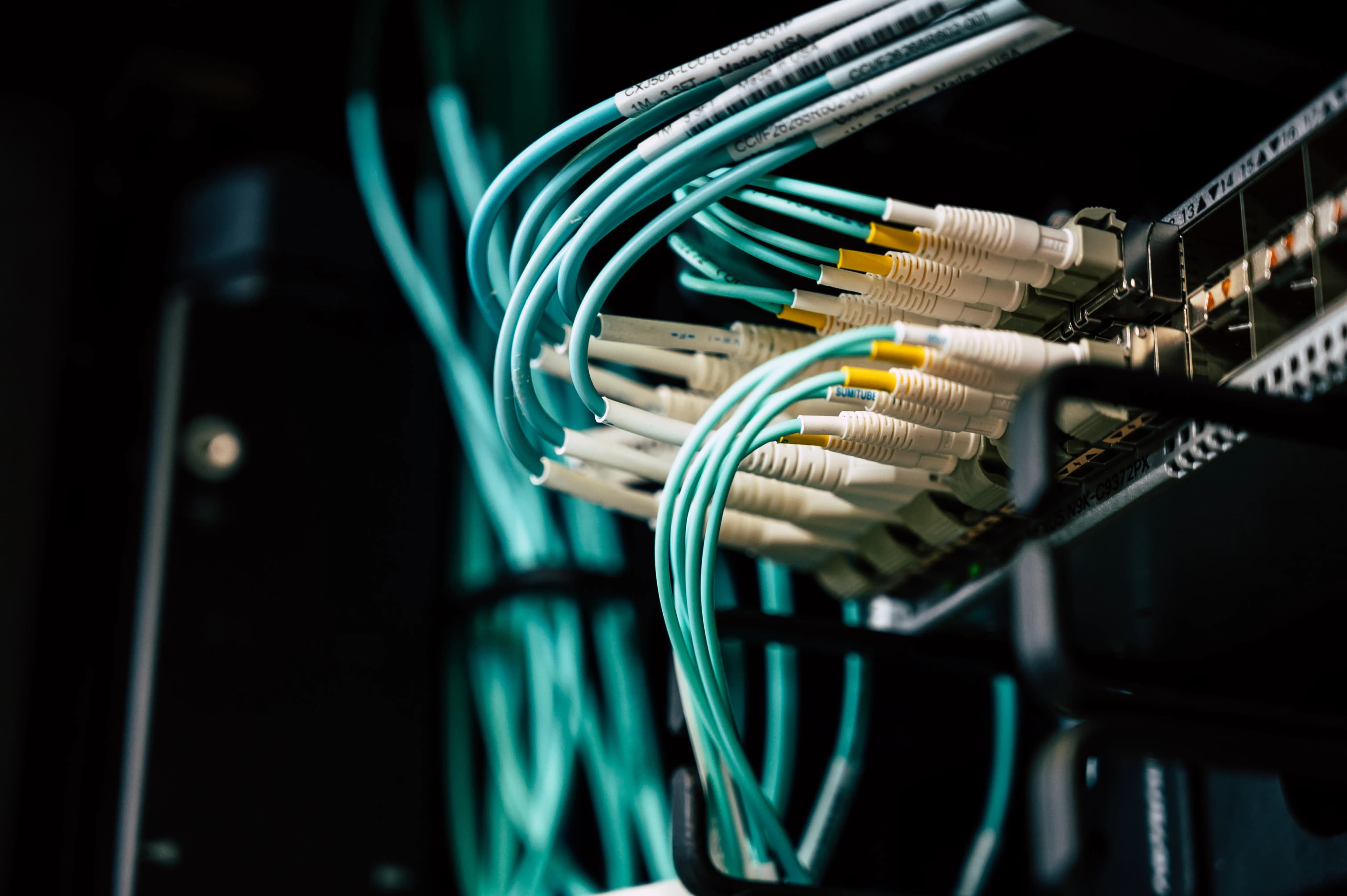
Why does dividing a /24 network into four equal /26 subnets waste 60 IPv4 addresses when one of those links is just a 2-router WAN connection? Here is how Variable-Length Subnet Masking (VLSM) solves address exhaustion.
When designing an enterprise or branch network from a single assigned IPv4 block (such as 192.168.10.0/24), network engineers choose between two subnetting methodologies:
- FLSM (Fixed-Length Subnet Masking): Every subnet uses the exact same subnet mask (and therefore has the exact same number of usable host addresses).
- VLSM (Variable-Length Subnet Masking, documented in IETF RFC 1878): Subnets can use different prefix lengths (
/25,/26,/27,/30, etc.) tailored to the exact number of hosts required on each LAN or WAN segment.
On the Cisco CCNA (200-301) exam, you will frequently be asked to design a VLSM addressing plan or identify why two router interfaces fail to route because of overlapping VLSM subnets.
You can validate every subnet block in your VLSM plan using the IPv4 Subnet Calculator and deploy the topology live in the Web Packet Tracer & Network Simulator.
1. The Problem with Fixed-Length Subnet Masking (FLSM)
Suppose your organization is allocated 192.168.10.0/24 (256 total IPv4 addresses) and needs to address 4 network segments:
- LAN A (Engineering): 100 hosts
- LAN B (Sales): 50 hosts
- LAN C (IT Operations): 25 hosts
- WAN Link (
R1$\leftrightarrow$R2): 2 router interfaces
What Happens If You Try FLSM?
To create 4 equal-sized subnets from a /24, you borrow 2 bits to create four /26 subnets (64 total IPs, 62 usable hosts each):
- Failure 1 (Too Small for LAN A): LAN A needs 100 hosts, which cannot fit inside a
/26(max 62 usable hosts)! And if you use a/25(126usable hosts), you only get 2 subnets total—leaving no subnets for LAN C or the WAN link. - Failure 2 (Massive Address Waste on WAN Link): Even if a
/26were used on the point-to-point WAN link betweenR1andR2, assigning a 64-address/26block to a link that only ever has 2 routers wastes $62 - 2 = \mathbf{60}$ usable IPv4 addresses!
2. How Variable-Length Subnet Masking (VLSM) Solves This
VLSM ( conceptually "subnetting a subnet") lets you slice 192.168.10.0/24 into right-sized blocks—provided you follow one ironclad rule:
The Golden Rule of VLSM Allocation:
Always sort your subnets from largest host requirement to smallest host requirement, and always allocate each block starting at a valid boundary multiple of its own block size ($2^h$).
Step-by-Step VLSM Allocation Walkthrough (192.168.10.0/24)
Let us allocate our 4 segments in descending order of size:
192.168.10.0/24 (256 Total Addresses: .0 to .255)
├── [.0   – .127]  LAN A (100 hosts) ──► 192.168.10.0/25   (126 usable)
└── [.128 – .255]  Remaining /25 split further:
    ├── [.128 – .191]  LAN B (50 hosts)  ──► 192.168.10.128/26 (62 usable)
    └── [.192 – .255]  Remaining /26 split further:
        ├── [.192 – .223]  LAN C (25 hosts)  ──► 192.168.10.192/27 (30 usable)
        └── [.224 – .255]  Remaining /27 split further:
            ├── [.224 – .227]  WAN R1↔R2 (2 IPs) ──► 192.168.10.224/30 (2 usable)
            └── [.228 – .255]  Unallocated spare space (28 IPs free for future growth!)
Here is the completed, non-overlapping VLSM Addressing Table:
| Segment Name | Required Hosts | Allocated CIDR Prefix | Subnet Mask | Usable Host Range | Broadcast IP | Unused Capacity |
|---|---|---|---|---|---|---|
| 1. LAN A (Engineering) | 100 |
192.168.10.0/25 |
255.255.255.128 |
.1 – .126 |
.127 |
26 hosts |
| 2. LAN B (Sales) | 50 |
192.168.10.128/26 |
255.255.255.192 |
.129 – .190 |
.191 |
12 hosts |
| 3. LAN C (IT Ops) | 25 |
192.168.10.192/27 |
255.255.255.224 |
.193 – .222 |
.223 |
5 hosts |
4. WAN (R1 $\leftrightarrow$ R2) |
2 |
192.168.10.224/30 |
255.255.255.252 |
.225 – .226 |
.227 |
0 hosts |
3. Why Allocating Smallest-First Causes Overlapping Subnets
What happens if a junior administrator allocates the smallest subnet first (192.168.10.0/30, covering .0–.3) and then tries to allocate a /25 starting at .4 (192.168.10.4/25)?
Because a /25 has a block size of 128, its valid network boundaries are strictly .0 and .128.
If you configure 192.168.10.4 255.255.255.128 on a router interface, the router performs a bitwise AND (4 AND 128 = 0), meaning 192.168.10.4/25 is merely a host IP inside 192.168.10.0/25 (0–127)—which completely overlaps with 192.168.10.0/30 (0–3)!
Key Rule: A block of size $B = 2^h$ can only start at an address that is an exact integer multiple of $B$ ($0, B, 2B, 3B\dots$). Allocating from largest block size to smallest block size automatically guarantees every subnet lands on a valid boundary.
4. Hands-On Lab: Building a VLSM Topology in Web Packet Tracer
Test your VLSM addressing plan live in the Web Packet Tracer & Network Simulator:
- Open Web Packet Tracer and click Load Sample Topology.
- Reconfigure the sample topology from default
/24masks to our VLSM design:- On
R1, open the CLI console and updateGi0/0(LAN A) andGi0/1(LAN B):enable configure terminal interface Gi0/0 ip address 192.168.10.1 255.255.255.128 no shutdown exit interface Gi0/1 ip address 192.168.10.129 255.255.255.192 no shutdown end show ip route - Inspect the
show ip routeoutput onR1:Codes: C - connected, S - static C 192.168.10.0/25 is directly connected, GigabitEthernet0/0 C 192.168.10.128/26 is directly connected, GigabitEthernet0/1
- On
- Select
PC1and set its IPv4 to192.168.10.10, Subnet Mask255.255.255.128(/25), and Default Gateway192.168.10.1. - Select
PC2and set its IPv4 to192.168.10.140, Subnet Mask255.255.255.192(/26), and Default Gateway192.168.10.129. - Run
ping 192.168.10.140fromPC1—even though both PCs begin with192.168.10.x,PC1recognizes via its/25mask that.140is in a different subnet and routes the packet cleanly throughR1!
5. Legitimate Sources & Standards References
- IETF RFC 1878: Variable Length Subnet Table For IPv4 (T. Pummill, B. Manning, December 1995).
- IETF RFC 4632: Classless Inter-domain Routing (CIDR): The Internet Address Assignment and Aggregation Plan (August 2006).
- Cisco CCNA 200-301 Exam Topics (v1.1): Domain 1.0 Network Fundamentals (1.6 Configure and verify IPv4 addressing and subnetting to meet network requirements).
6. CCNA 200-301 Exam Prep: Questions & Detailed Answers
Question 1
You are designing a VLSM addressing scheme from 10.10.10.0/24 for a branch office that needs a Sales VLAN (55 hosts), an Engineering VLAN (25 hosts), a Voice VLAN (12 hosts), and two point-to-point router links (2 hosts each). Which subnet mask should be assigned to the Sales VLAN (55 hosts)?
- A.
/25(255.255.255.128) - B.
/26(255.255.255.192) - C.
/27(255.255.255.224) - D.
/28(255.255.255.240)
Correct Answer: B
Explanation: To accommodate 55 usable hosts, you need $2^h - 2 \ge 55$.
- With $h = 5$ (
/27), $2^5 - 2 = 30$ usable hosts (too small). - With $h = 6$ (
/26,255.255.255.192), $2^6 - 2 = \mathbf{62}$ usable hosts, which fits 55 hosts while leaving three/26-sized quarters of the/24space for Engineering (/27= 30 hosts), Voice (/28= 14 hosts), and the two WAN links (/30= 2 hosts each).
Question 2
In a VLSM design using 192.168.1.0/24, Subnet 1 is assigned 192.168.1.0/26 and Subnet 2 is assigned 192.168.1.64/27. What is the very first valid Network ID available for Subnet 3 if Subnet 3 requires a /28 mask?
- A.
192.168.1.80/28 - B.
192.168.1.96/28 - C.
192.168.1.128/28 - D.
192.168.1.72/28
Correct Answer: B
Explanation:
- Subnet 1 (
192.168.1.0/26, block size64) uses.0through.63. - Subnet 2 (
192.168.1.64/27, block size32) uses.64through.95. - Therefore, the next available address in the
/24block is.96, which is a valid multiple of16(the block size of a/28), making192.168.1.96/28(.96–.111) the next contiguous subnet.
Question 3
Why must routing protocols such as OSPF, EIGRP, RIPv2, and BGP (classless routing protocols) be used in a network that implements VLSM, rather than legacy classful routing protocols like RIPv1?
- A. Classful routing protocols do not include the subnet mask (prefix length) in their routing updates.
- B. Classless routing protocols encrypt VLSM subnet masks.
- C. Legacy classful protocols only support IPv6.
- D. VLSM requires Layer-2 switches to run BGP.
Correct Answer: A
Explanation: Legacy classful routing protocols (such as RIPv1 and IGRP) did not transmit subnet mask information inside routing protocol updates—routers had to assume the classful /8, /16, or /24 mask or the local interface's fixed mask. Classless routing protocols (OSPF, EIGRP, RIPv2, IS-IS, BGP) explicitly include the CIDR prefix length / subnet mask alongside every network prefix in routing updates, enabling VLSM and CIDR route summarization.
Question 4
An administrator configures Gi0/0 with 192.168.5.33/27 and tries to configure Gi0/1 on the same router with 192.168.5.50/28. Why is this configuration invalid?
- A. A router cannot have two interfaces with different subnet masks.
- B.
192.168.5.50/28(192.168.5.48 – 192.168.5.63) overlaps with192.168.5.33/27(192.168.5.32 – 192.168.5.63). - C.
192.168.5.33is a network ID. - D.
/28masks are only allowed on serial interfaces.
Correct Answer: B
Explanation: 192.168.5.33/27 belongs to the subnet 192.168.5.32/27, which spans addresses .32 through .63. Meanwhile, 192.168.5.50/28 belongs to the subnet 192.168.5.48/28, which spans .48 through .63. Because .48–.63 lies completely inside .32–.63, the two subnets overlap, which violates Layer-3 routing requirements on a router.
Question 5
How many /30 point-to-point WAN subnets can be carved out of a single /27 address block?
- A. 4
- B. 6
- C. 8
- D. 16
Correct Answer: C
Explanation: Moving from /27 to /30 borrows $30 - 27 = 3$ bits, producing $2^3 = \mathbf{8}$ /30 subnets (since $32 \text{ total IPs} \div 4 \text{ IPs per } /30 = 8$).